
A board for your week
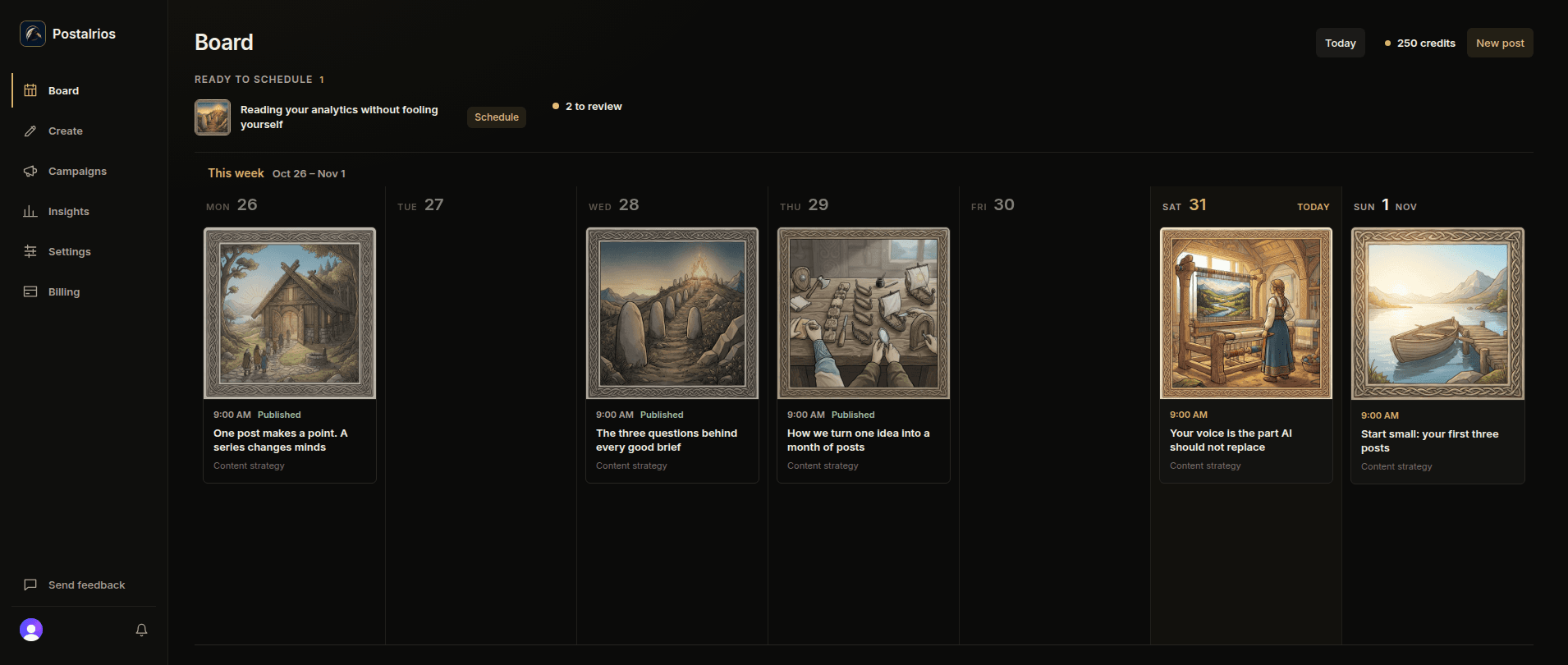
See what went out, what is scheduled, and what is ready to schedule, day by day. Drag a scheduled post to another day to move it.
Inside the workspace
Every idea moves from first draft to ready to scheduled in one workspace, and only the posts you approve are published.
See what went out, what is scheduled, and what is ready to schedule, day by day. Drag a scheduled post to another day to move it.
Create keeps your ideas, drafts, and ready posts in columns side by side, so you can see what needs you next.
Write a single post, in several versions to choose from, or a carousel of 2 to 10 slides from the same idea, with your writing guidance. How carousels work.
Publish single posts to the LinkedIn company pages you administer, as well as to your own profile.
Plan a set of posts for a company page that tell one story, write each post with the whole story in view, and see which posts worked.
Write with Claude or ChatGPT and let it save drafts, add images, and schedule posts here, with the permissions you choose. See AI integrations.